POS systems
and card machines

Compare Clover POS systems, PAX and Dejavoo payment terminals, and SwipeSimple card readers for restaurants, retail counters and mobile sales. Check the quoted model and software before you choose.

Browse equipment & services
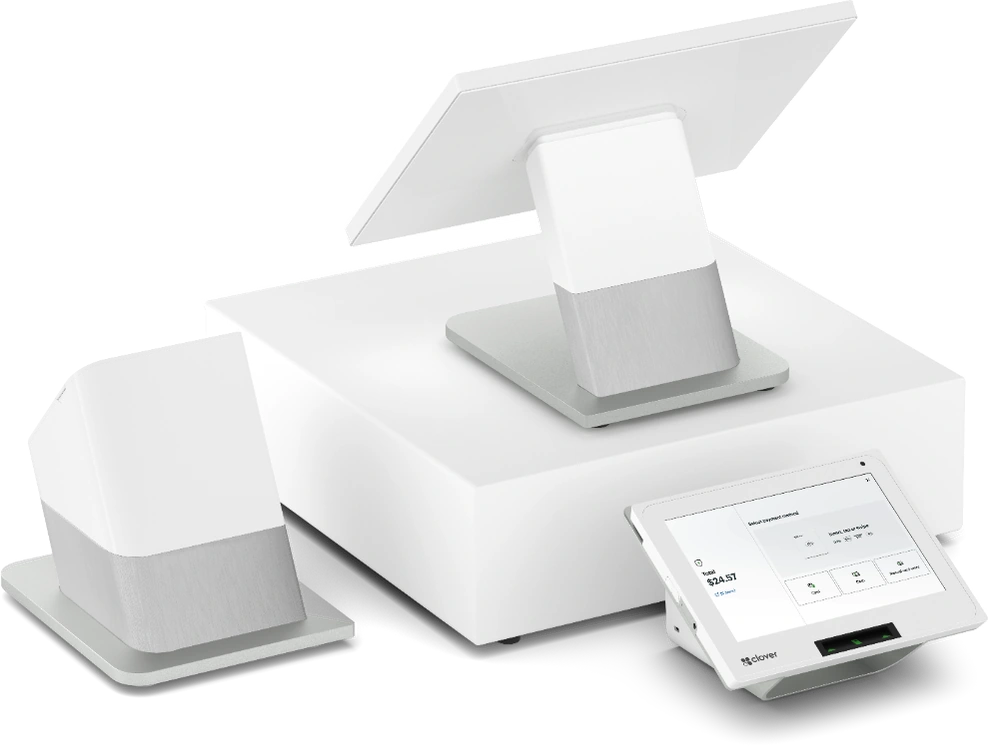
Clover Station Duo 2 countertop system
Clover Station Duo 2
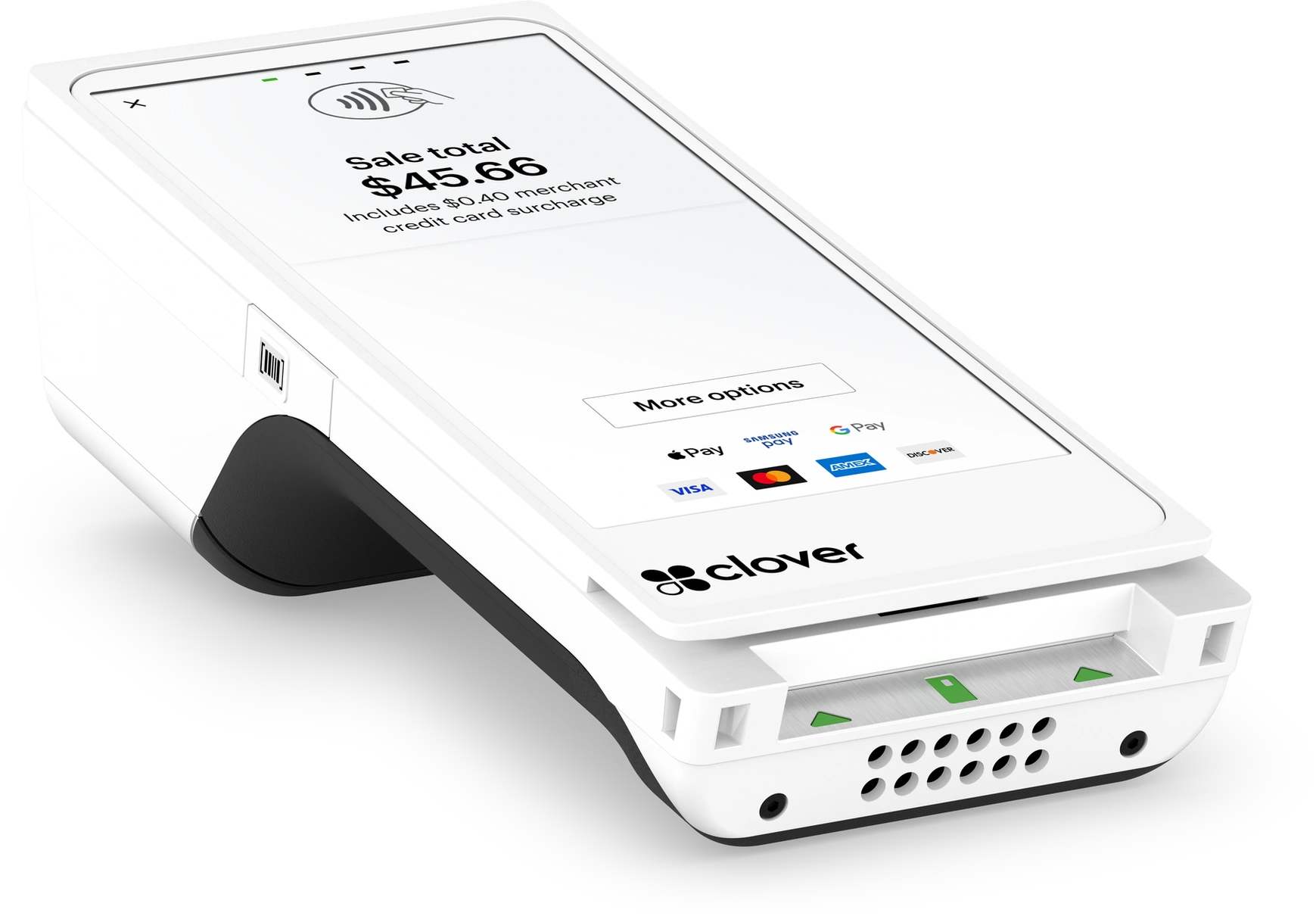
Clover Flex 3 handheld POS
Clover Flex 3

Equipment and payment services

Compare devices by where you take payments. Your provider confirms the model, required software, and pricing in your offer.

Use the POS and card-machine comparison checklist to choose a category, then review each model’s specifications.

12 results

Check the manufacturer specifications through the links on each card. We label PDFs, web pages, and document libraries; each link opens a new tab.

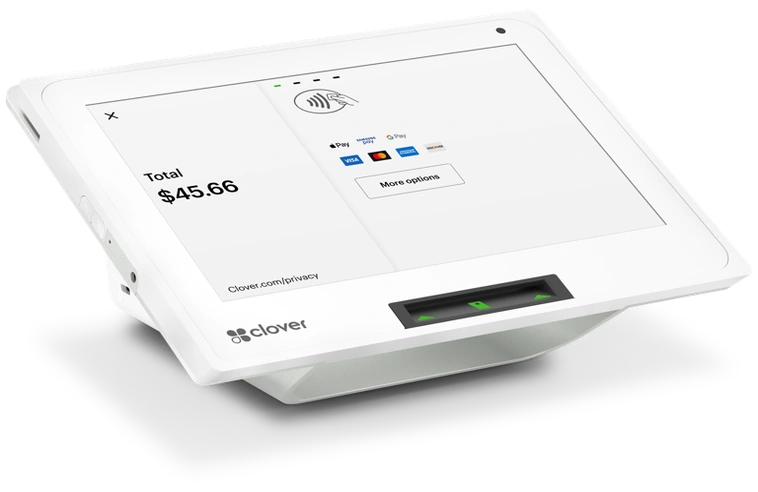
Clover Mini 3 countertop POS

Clover Mini 3 shown.

Clover Mini

COMPACT COUNTERTOP POS

Compare Mini for a café, salon, or retail counter with limited space. Check its dimensions and confirm the software in your quote.

  • Boutiques, salons, and smaller retail
  • Cafés and quick-service checkout
  • Secondary counters or service stations
Specifications & resources

Manufacturer specifications

Mini specificationsWEB

Clover documents several Mini generations. Match the specifications to the model in your quote.

Ask about this device
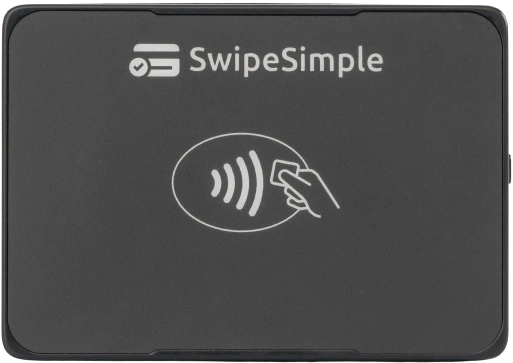
SwipeSimple contactless card reader

SwipeSimple contactless reader shown. Confirm your quoted reader model.

SwipeSimple

MOBILE PAYMENTS

Take card payments at a job site, delivery, or event. Confirm that the quoted reader works with your phone or tablet.

  • Field service and delivery teams
  • Mobile sellers and event vendors
  • Card payments away from your counter
Specifications & resources

Official hardware resources

Card readers & specificationsWEB

SwipeSimple supports several readers. Confirm the reader model and phone or tablet compatibility with your provider.

Ask about SwipeSimple
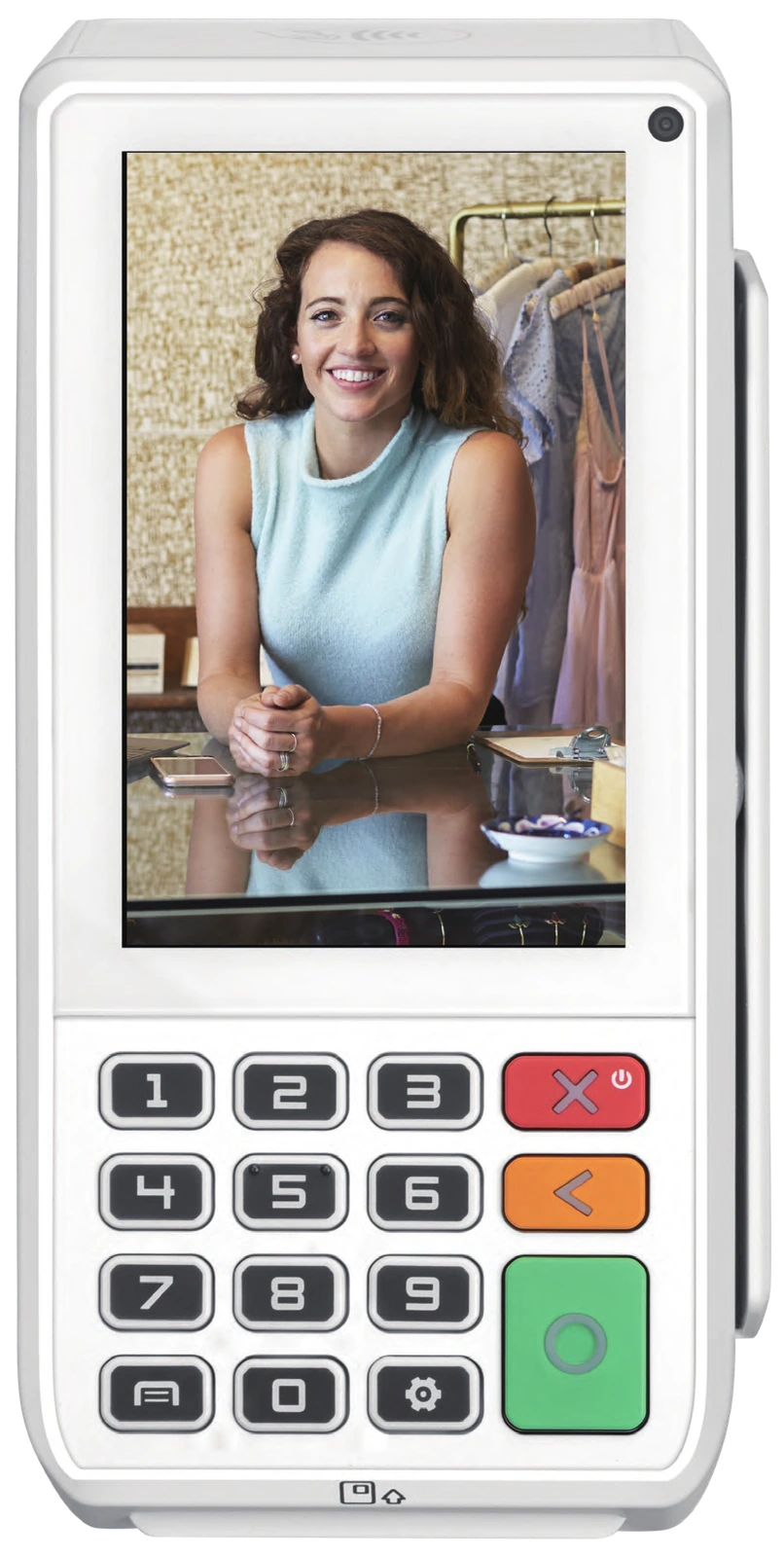
PAX A80 countertop payment terminal

PAX A80 shown. The S80 is discontinued.

PAX A80 / S80

PAYMENT TERMINALS

Compare the A80 for card payments at a retail or service counter. Its manufacturer sheet lists chip-and-PIN, NFC contactless and magnetic-stripe card reading; connectivity options vary by configuration. If you use an S80, ask about a supported replacement.

  • Retail and service counters
  • Standalone payment acceptance
  • Replacing an existing terminal
Specifications & resources

Manufacturer spec sheets

A80 specification sheetPDF A80 / S80 comparison sheetPDF S80 end-of-life noticePDF

PAX discontinued the S80. Use its specifications to review equipment you own or discuss a replacement.

Ask about PAX terminals
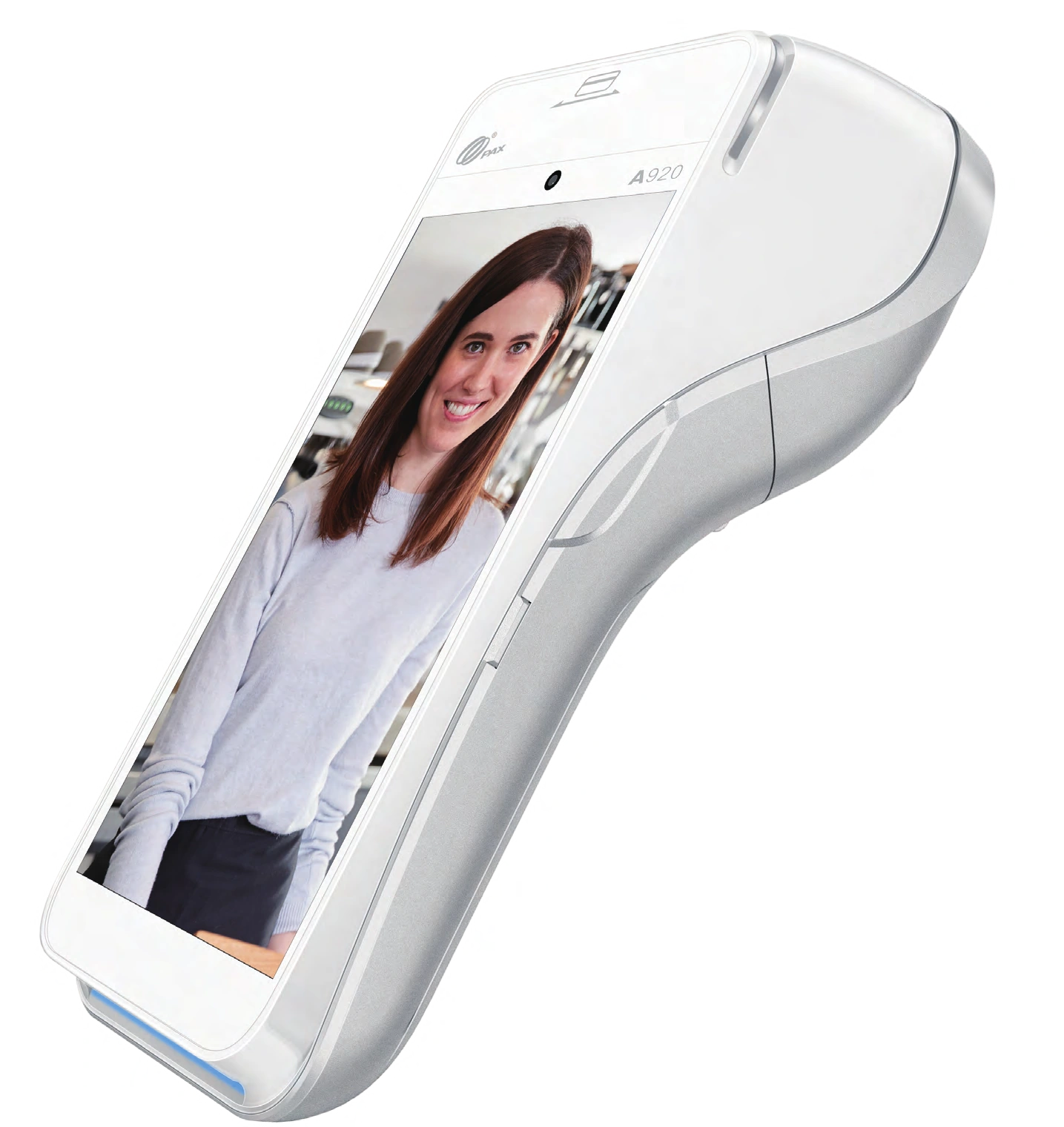
Original PAX A920 wireless payment terminal

Original PAX A920 shown. End-of-life model.

PAX A920

WIRELESS TERMINAL

If you use the original A920, review its specifications before discussing a replacement. Ask your provider to confirm a supported model for mobile or tableside payments.

  • Mobile checkout and delivery
  • Table service and curbside payment
  • Events and temporary locations
Specifications & resources

Manufacturer spec sheet

A920 specification sheetLIBRARY A920 product & setup resourcesWEB

PAX lists the original A920 as end of life. This sheet is for that model; confirm a supported replacement and its specifications in your offer.

Ask about a replacement
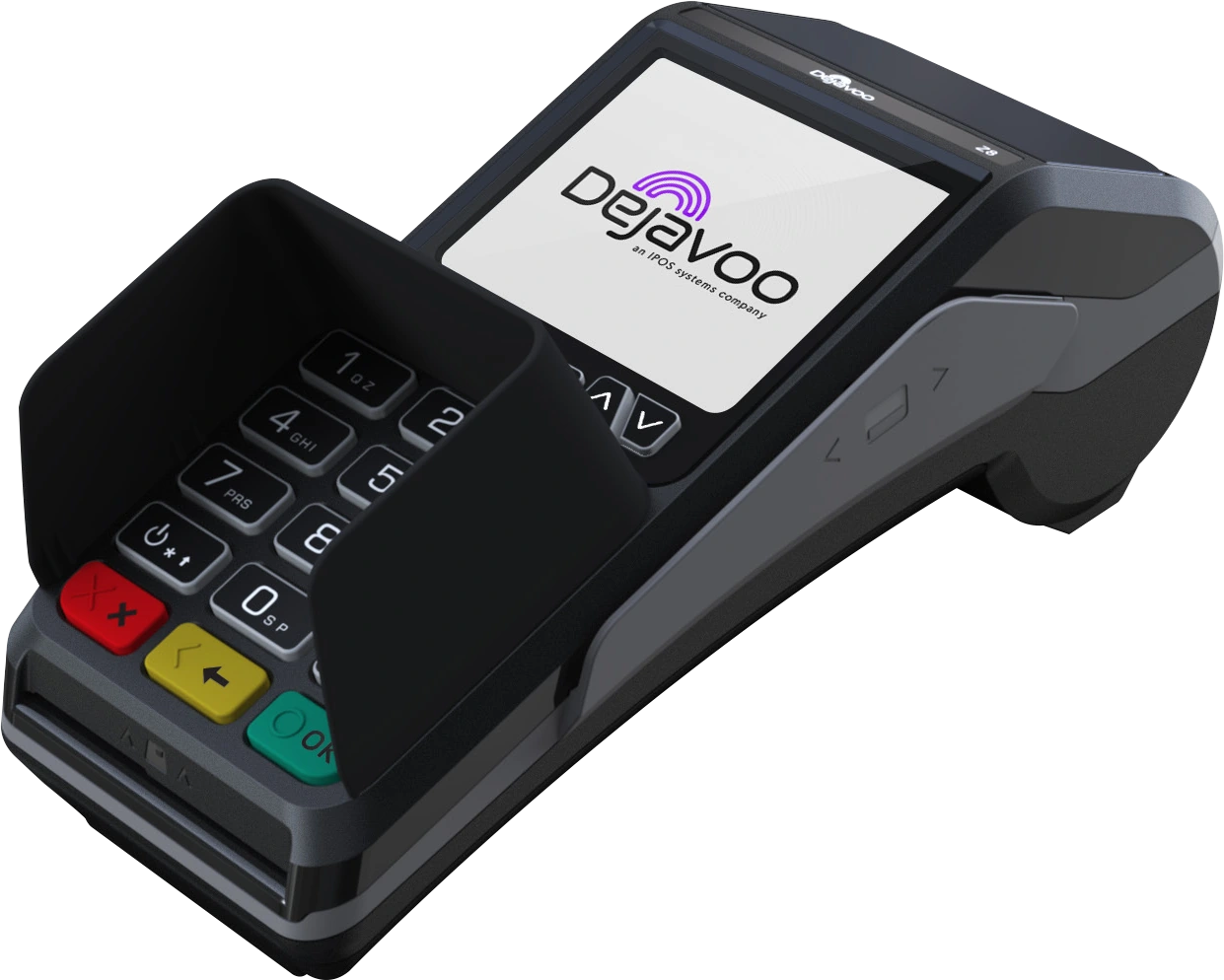
Dejavoo Z8 countertop payment terminal

Dejavoo Z8 manufacturer photography.

Dejavoo Z8

PAYMENT TERMINALS

Compare the Z8 for card payments at a fixed counter. Its manufacturer sheet lists contact, contactless and magnetic-stripe card reading, Ethernet and Wi-Fi connectivity, and receipt printing. Ask your provider to confirm the configuration and compatibility with the POS you plan to keep.

  • Retail and professional services
  • Businesses with an existing POS
  • Countertop payment replacement
Specifications & resources

Manufacturer spec sheet

Z8 specification sheetPDF

Review Dejavoo’s two-page product and specification sheet.

Ask about this device
Countertop · Mobile

A product family. Confirm the exact model during review.

Verifone terminals

PAYMENT TERMINALS

Tell your provider whether you take payments at a counter or carry a terminal to customers. Request the exact Verifone model and check its compatibility with your setup.

  • Existing terminal replacement
  • Countertop or mobile payment needs
  • Compatibility with your existing setup
Specifications & resources

Manufacturer documentation

Verifone model & spec libraryWEB

Choose the specification sheet for the exact Verifone model your provider quotes. We list the product family here.

Ask about Verifone

Online
payments

Checkout · Invoices · Phone orders

Gateway & virtual terminal

ONLINE & REMOTE PAYMENTS

Tell your provider how you take online, invoice, or phone payments. Confirm the gateway or virtual terminal features you need and its compatibility with your website or software.

  • Ecommerce and online checkout
  • Invoices and remote payment links
  • Mail and telephone orders
Specifications & resources

Official solution information

Indeflex payment solutionsWEB

Ask your provider to confirm the gateway features and software integrations in your offer.

Ask about online payments

Restaurant
operations

Counter service · Table service

HotSauce

RESTAURANT POS

Review HotSauce for counter or table service. Tell your provider how you take orders and payments so you can compare the proposed hardware and software.

  • Bars and restaurants
  • Counter and table service
  • Restaurant hardware and software review
Specifications & resources

Official product information

HotSauce POS overviewWEB

Review the hardware and software with your provider before you choose a restaurant setup.

Ask about HotSauce

Gift &
loyalty

Gift cards · Repeat visits

Factor4

GIFT & LOYALTY

Compare gift-card and loyalty programs for your shop or restaurant. Ask your provider to confirm compatibility with your POS and processor.

  • Retail and restaurant loyalty
  • Gift-card programs
  • Programs for returning customers
Specifications & resources

Official product information

Gift & loyalty solutionsWEB

A gift and loyalty service. Confirm compatibility with your selected POS and processor.

Ask about Factor4

Practice
integrations

Front-desk payments · Software compatibility

Practice Management Bridge

HEALTHCARE PAYMENTS

Review payment options for your healthcare or dental practice. Share the name of your practice-management software so your provider can check the available integrations.

  • Healthcare and dental practices
  • Front-desk payments
  • Practice-software compatibility review
Specifications & resources

Official product information

Bridge Payments platform overviewWEB

Ask your provider to check hardware and practice-software compatibility before you choose this healthcare platform.

Ask about practice payments

Match the pictured model to its caption. Confirm features and model availability with your provider, then review software subscriptions, integrations, and equipment costs before you choose a device.

Source: Indeflex’s published payment solutions. For application steps and the details to prepare, see our getting-started guide.

Compare POS systems
and card machines.

Choose by checkout workflow first. Confirm the exact model, software and supported payment setup in the provider’s offer.

POS systems, payment terminals and card readers by checkout need
Your checkout needOptions to compareQuestions for your provider
Restaurant or retail counterClover Station or Clover MiniWhich ordering, inventory or staff tools are included? What counter space, subscriptions and accessories does the quoted setup need?
Tableside service, food trucks or eventsClover Flex handheld POS or a SwipeSimple card readerDoes it work on its own or with a compatible phone or tablet? Which network connection and receipt options does the model support?
Card payments at an existing counterPAX A80 or Dejavoo Z8Will the terminal work with your processor and existing software? Check connectivity, receipt printing and any separate software costs in the model’s specification sheet.
Online, invoice or telephone paymentsGateway or virtual terminalWhich website or invoicing integrations are supported? Ask how card-not-present payments are priced and handled.
Replacing older PAX equipmentS80 model notice and original A920 resourcesThe S80 and original A920 are end-of-life models. Ask about a supported replacement; A920 Pro and A920MAX are different models.

A device photograph identifies the pictured model, not every configuration a provider may offer. Manufacturer specifications describe hardware; confirm processor compatibility, software, availability and costs separately. For restaurant workflows, Clover and Stripe differences, and fees to compare, read the POS buying guide.

Request an equipment comparison

Tell us where you take payments and which equipment or software you want to keep. Include the devices or services you want to compare.

Start a request
Cookie settings