 ANCHOR
Compare POS
systems.
Compare Clover POS systems and PAX or Dejavoo card machines for your restaurant, shop or mobile business. Tell us how you take payments so we can review equipment and processing options with you.
Submitting a request does not create a processing agreement.
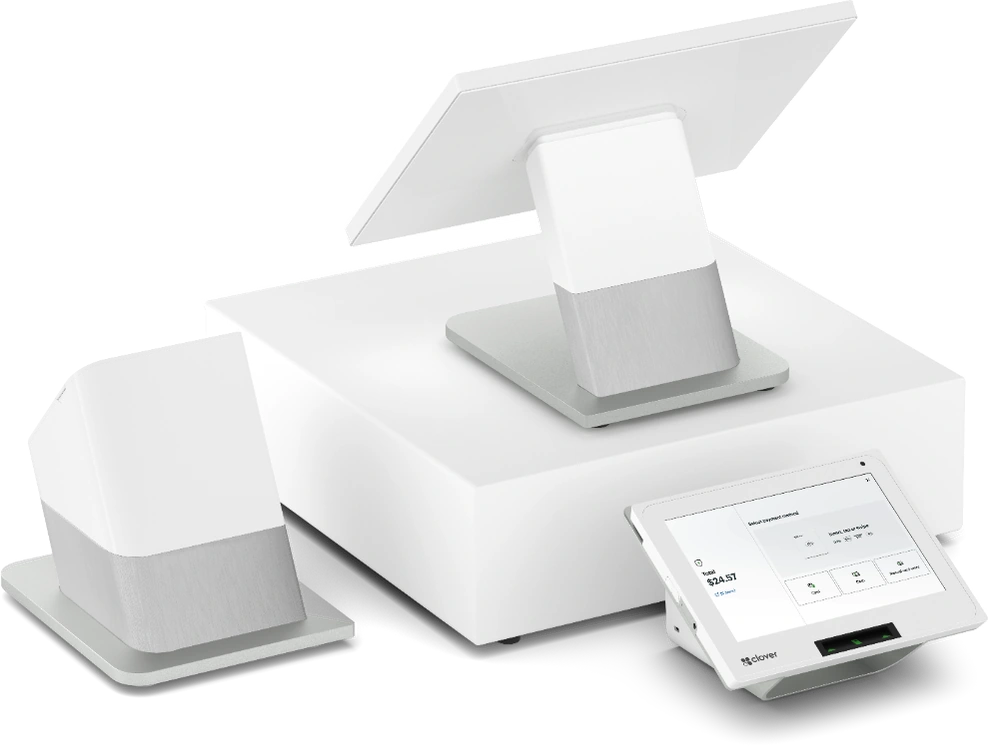
Check the pictured model against the equipment in your provider’s offer.
Equipment brands
Start with
your checkout.
Tell us whether you take payments at a counter, at tables or online. Include the software you use and the number of devices you need so we can check which options fit.
Restaurant POS
at the counter.
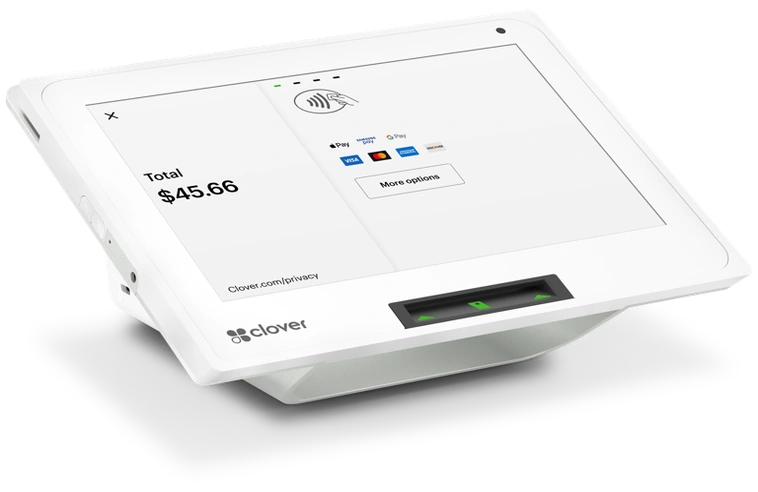
Compare Clover Mini and Station for a restaurant, café or retail checkout. Check counter space and the ordering, inventory or staff tools included in your provider’s software quote.
Card payments
at the table.
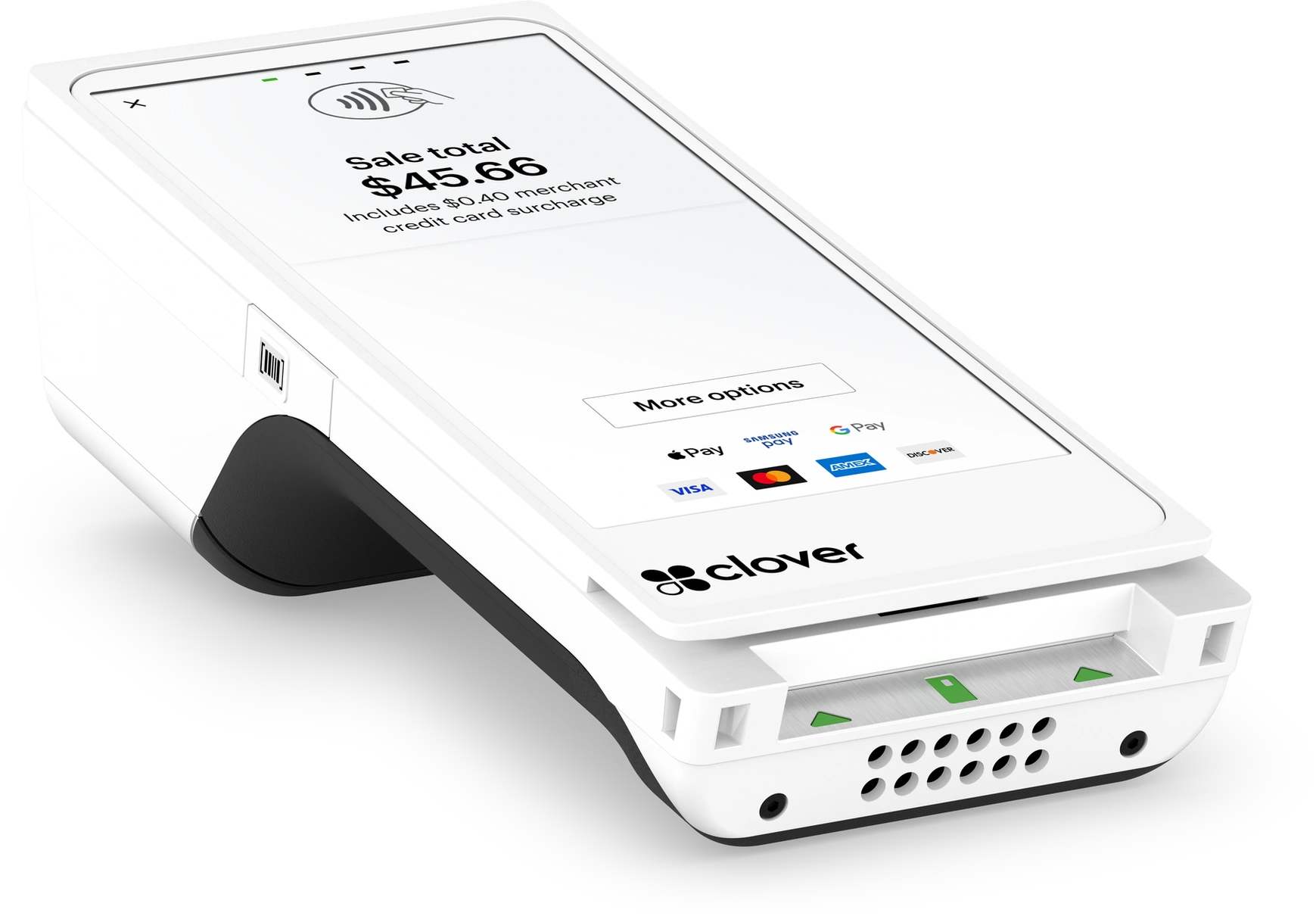
Compare a handheld POS or card reader for restaurant tables, a food truck window or event sales. Tell us where you work so we can check the quoted model, connectivity and receipt options.
Online payments
& POS services
Take orders on your website or by phone. Ask about gift cards, restaurant software or payment tools for your practice.
Review POS costs
before you apply.
Compare processing rates alongside equipment, software and recurring fees. Ask your representative to explain contract terms and charges you do not understand.
Costs to check in your offer
- ProcessingRates & transaction fees
- EquipmentHardware & software costs
- Ongoing servicesRecurring charges & terms
Ask your representative to compare standard processing with Indeflex Flat Cash using your sales volume and payment mix. Your provider must confirm eligibility and any remaining fees.
Review your options
before applying.
- 1
Start a request
Enter your contact details and business type. Keep card and bank details out of this form.
- 2
Add your business details
Enter estimated card sales, current equipment and software needs. Save your profile and check for missing information.
- 3
Review an offer
Your provider reviews your business and confirms the equipment and pricing it can offer. Read the terms before continuing to its merchant application.
Tell us about
your business.
Enter your contact details and business type to open your request.
- Save your business profile
- Review your offer before applying
Before you
apply
Your provider reviews your business before approving a merchant account.
Information to prepareAnchor Strata’s role
We help you compare equipment and collect the business details your provider needs to review your request. Your provider sets the pricing and terms and decides whether to approve your merchant account.
Do I need a POS system or a card machine?
Start with the work you need at checkout. A POS setup can combine payments with ordering, inventory or staff tools through its software. A payment terminal or reader may suit a business that keeps those tools elsewhere. Compare POS systems, card machines and readers, then ask your provider to confirm the features included in your quote.
Which POS setup fits a restaurant or food truck?
For a restaurant, describe counter or table service and any kitchen-order workflow you need. For a food truck, include where you sell, connectivity and receipt needs. Use the restaurant, retail and food truck POS guide to prepare your comparison; software, accessories and availability depend on the offered setup.
Can I keep my current POS?
Tell us the model and generation you use, your processor and any software integrations you need. Your representative must check compatibility before confirming an offer. See the device specifications and model notices before comparing a replacement.
How much do POS systems and card readers cost?
Your provider quotes costs based on the model, software and payment setup your business needs. Compare hardware purchase or rental terms, software subscriptions, processing charges and recurring fees. Our POS cost and processing-fee checklist explains what to ask for before accepting an offer.
Can Flat Cash help reduce my processing costs?
Eligible businesses may offset some processing expenses through Flat Cash. Ask your representative to compare the costs using your sales volume and payment mix, including fees you would still pay. Learn about Flat Cash, then choose “Explore Flat Cash / specialty pricing” under Pricing program in your business profile to request a comparison.
Information to prepare
Gather your business address, estimated card sales and details of your current equipment. Use the preparation checklist to complete your profile. Provide identity and bank details through your provider’s secure application.
Am I committed when I submit the form?
You do not enter a processing agreement by submitting this form. Review an offer before deciding whether to complete the provider’s application.
Does this give me an Indeflex portal account?
You use Anchor Strata to save your business profile and review your request. Your provider gives you its own instructions for account access, the application and signatures after reviewing your business.